6 Best Apparel Tech Pack Software
It is 11:42 pm in Los Angeles and a production manager is on WhatsApp with a factory in Tirupur asking why the side seam came in at 42 cm instead of 41. She opens version 7 of the tech pack. The factory is working from version 5. The Illustrator file lives on a designer’s laptop that is currently offline. The BOM is in a Google Sheet that was edited yesterday by someone who is now asleep.
This is the moment tech pack software earns its keep. Not in the design phase, where Illustrator and a spreadsheet still feel fine, but in the second and third sample round, when the same garment has three different specs floating between three different people and the factory is quoting based on whichever version landed in their inbox last.
This post reviews the 6 best apparel tech pack software in 2025, with features, pricing, and a clear point of view on when each one fits. Stick around.
What is a tech pack, in one paragraph?
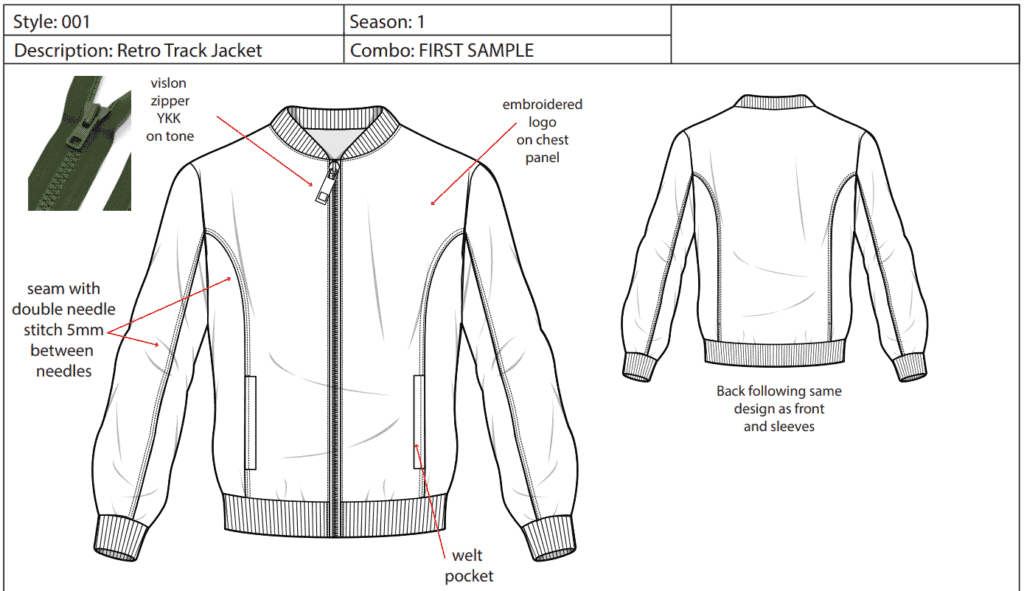
A tech pack, also called a specification sheet, is the document a brand sends a factory to communicate exactly how a garment should be made. It contains the technical sketch (flat), bill of materials (fabrics, trims, labels, packaging), measurement specifications across a graded size run, construction details, stitch types, colorways, and cost of materials. A complete tech pack is the difference between a sample that arrives in 4 weeks at the right spec and one that arrives in 9 weeks after three rounds of corrections. It is the single source of truth that production runs against.
A tech pack typically includes:
- Technical sketches of your designs, also called fashion flats or flat sketches
- Bill of Materials
- Measurement specification
- Cost of materials
You can read a deeper walkthrough in our guide to mastering the tech pack.
Why does a tech pack matter so much for apparel production?
In the implementations I have supported this year, the same gap shows up every time: brands without a stable tech pack workflow spend 30 to 50 percent more on sampling than brands that nail it. A missed trim callout costs a sample round. A wrong grade rule costs a graded set. A BOM with the wrong yarn count costs a production run.
The operational benefits are concrete:
- The factory builds what the designer drew, not what the factory guessed
- Tech pack templates compress the time from approved sketch to first sample
- Costing is accurate because every component is named and quantified
- Production errors and reworks drop, which protects delivery windows for wholesale POs
This maps directly to Breakpoint 1 in the 6 Breakpoints of Apparel Operations framework: product data starts fragmenting. The tech pack is where fragmentation either gets caught or gets shipped to the factory.
When is spreadsheet plus Adobe Illustrator still enough?
There are two real paths to building tech packs: the spreadsheet plus Illustrator route, or dedicated tech pack software. The honest answer on which to pick is, it depends on team size and SKU velocity.
Where spreadsheets plus Illustrator hold up
This combo works for freelance designers and brands doing fewer than roughly 30 styles a year with a single factory relationship. The spreadsheet captures BOM, colorways, and size specifications. Illustrator handles flat sketches. One designer, one production manager, one factory contact. Version control happens because there are only three people in the chain.
Where the spreadsheet route breaks
The moment you have two designers, two factories, and a tech designer overseas, the spreadsheet stops being a source of truth and starts being a source of arguments. You will see emails with subject lines like “FINAL_v4_REVISED_use_this_one.xlsx.” You will see grade rules that diverge between the spec doc and the Illustrator artboard. You will see BOMs that reference a trim the factory has already substituted because nobody updated the sheet.
This is when tech pack software starts paying for itself. Dedicated tools generate BOMs, manage size specifications and grade rules in one record, support real-time collaboration, and most integrate with Adobe Illustrator so designers do not change tooling.
What are the 6 best apparel tech pack software in 2025?
Here are the six options worth shortlisting, with features and pricing.
| Tech Pack Software | Features | Pricing |
|---|---|---|
| Uphance | Bidirectional Adobe Illustrator plugin, Critical-path time-and-action calendar, Sketch annotation, Bill of materials generation, Tech pack emailing, Grade rules, Real-time collaboration | Custom quote |
| Tech Packer | Lots of templates, PDF or Excel exports, Automated grading, Version control, Real-time collaboration | Custom quote |
| Backbone | Adobe Illustrator plugin, Reusable components, Custom palettes, Image annotator | Custom quote |
| Centric Software | Full PLM, Data tracking, Team collaboration, Quality control | Custom quote |
| WFX PLM | Measurement and spec sheet, Team collaboration, Bill of material generation | Custom quote |
| Tech Pack Wizard | Adobe Illustrator integration, Pre-designed templates, Preloaded graphic styles | Custom quote |
1. Uphance
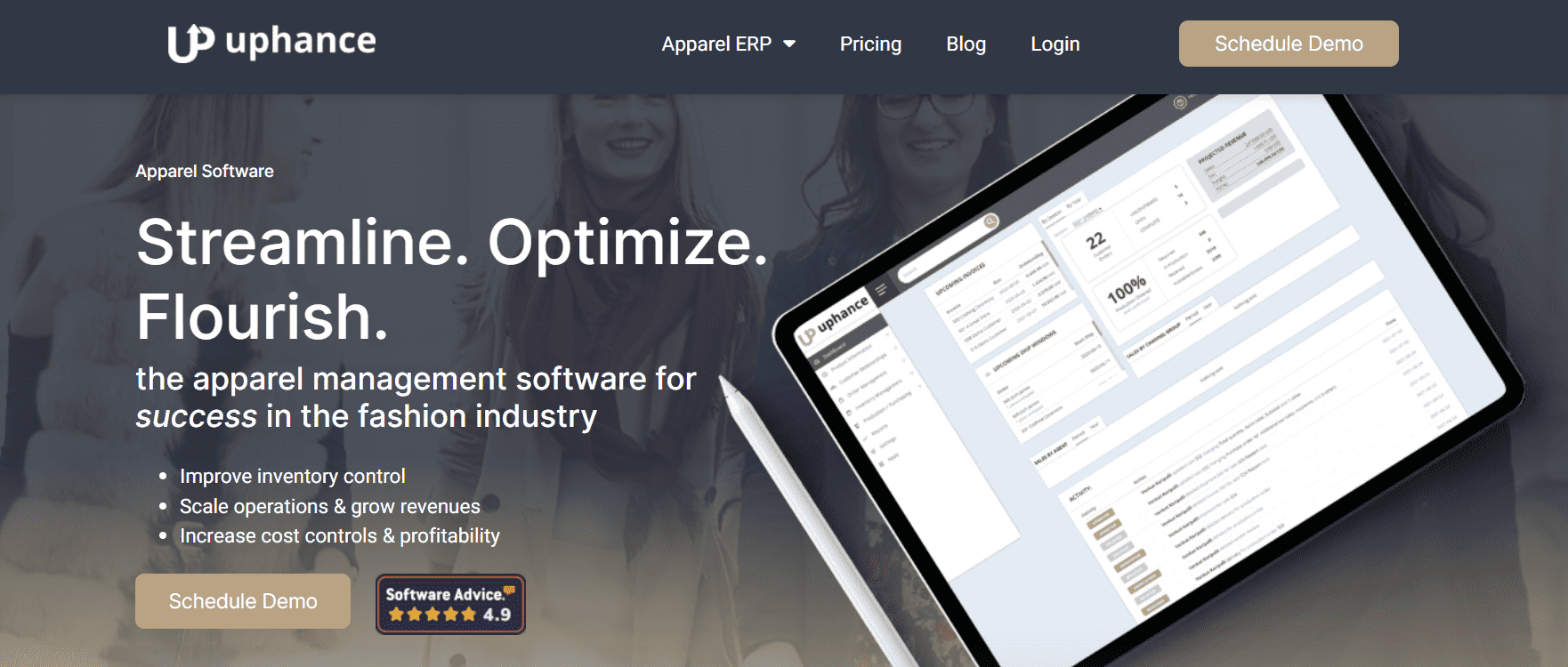
Uphance is the unified apparel operations platform, with apparel PLM and tech pack creation built into the same record that drives production, inventory, and orders. The advantage is structural: the tech pack you approve is the same product record the production team builds POs against and the warehouse picks against. Product data does not have to be re-entered when it moves from design into production.
Clarity, not chaos. That is the point.
Features
- Bidirectional Adobe Illustrator plugin: design in Illustrator and sync flats, artwork, colorways, and specs both ways onto the tech pack, no manual re-export (direct uploads also supported)
- Critical-path time-and-action calendar that tracks every style against its milestones and flags slippage when a date is at risk
- Detailed sizing specifications to support accurate finishing
- Notes and annotations on tech packs for clarity
- Bill of Materials support
- Download as PDF or send the tech pack directly to a factory via email
- Tracks products across development stages: sampling, prototyping, pre-production, and bulk production
Pricing: Sales-led and custom, scoped to your channels, users, and complexity. Book a tailored demo for a quote.
Best for: $5M to $100M apparel brands running wholesale plus DTC who need the tech pack to live inside the same system as production, inventory, and order flow. If you are tired of re-keying styles from a PLM into an ERP, this is the structural fix.
2. Tech Packer
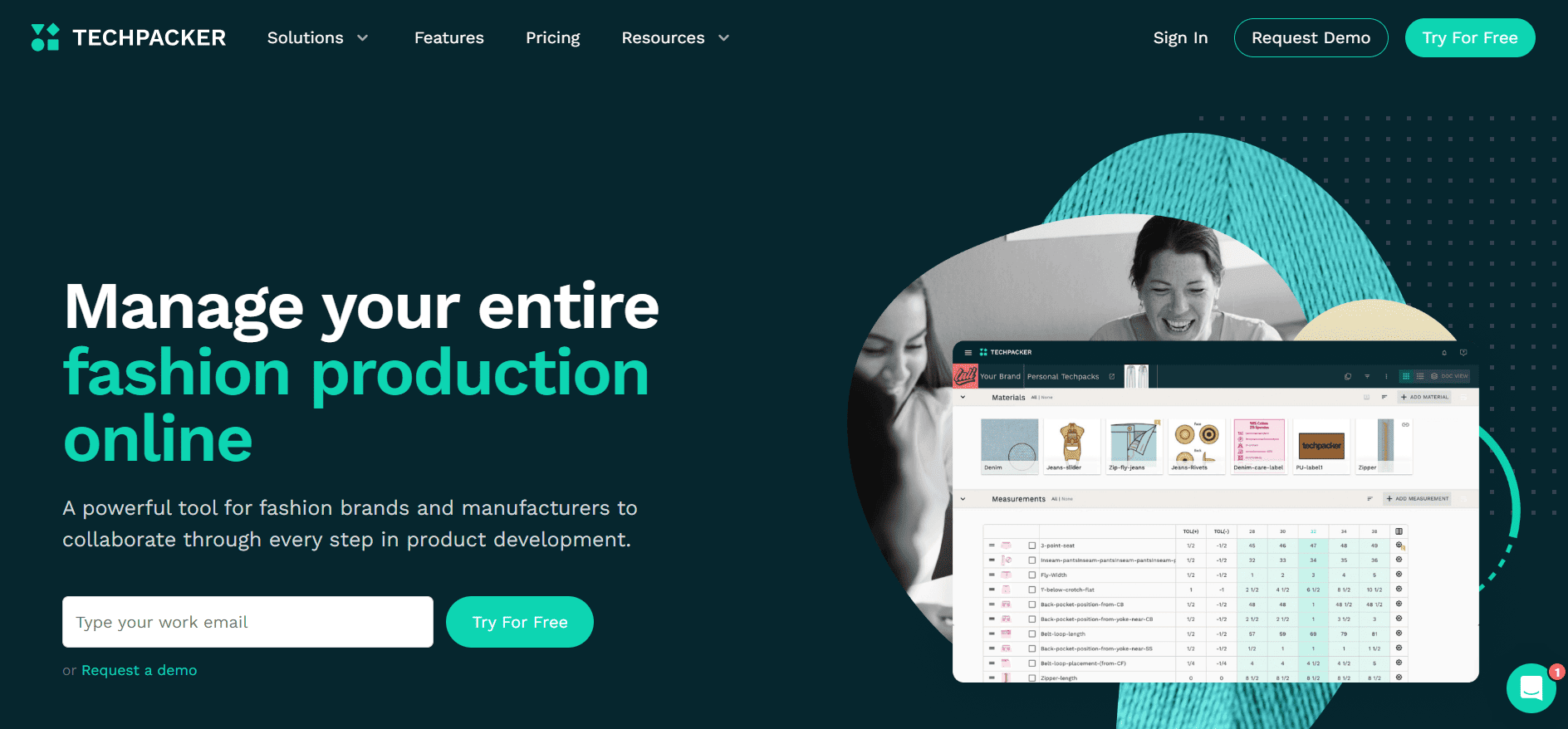
Tech Packer is one of the most widely used standalone tech pack tools, with a gentle learning curve that makes it a strong choice for designers who do not want to live in a full PLM.
Features
- Many reusable templates
- PDF and Excel exports for tech packs
- Automated grading
- Real-time collaboration across a design team
- Version control
Pricing: tiered per-user subscriptions across a build tier and two PLM tiers. Check the vendor for current rates.
Best for: small brands and freelance technical designers who need versioning and collaboration without committing to a full operations platform.
3. Backbone
Backbone is a designer-first tool with a strong Adobe Illustrator plugin and a library of reusable components. It is not limited to apparel: brands building shoes, bags, and accessories use it too, with t-shirt, dress, and jacket tech packs being the most common apparel use case.
Features
- Adobe Illustrator plugin
- Reusable components across styles
- Custom palettes
- Image annotator for callouts
Pricing: custom quote
Best for: design-led brands where the creative team lives in Illustrator and wants the tech pack to feel like a natural extension of the artboard, not a separate spreadsheet.
4. Centric Software
Centric is a long-standing enterprise PLM with strong tech pack capabilities, used by some of the largest brands in apparel, footwear, and consumer goods. It is heavy in both functionality and implementation effort.
Features
- Full PLM coverage from concept to production
- Data tracking across the product calendar
- Team collaboration across geographies
- Quality control workflows
Pricing: custom quote
Best for: brands above roughly $100M with multiple business units, multiple factories, and a dedicated PLM administrator. For a $20M brand, Centric is more system than the team can absorb.
5. WFX PLM
WFX is a mid-market apparel PLM focused on measurement specs, BOMs, and factory collaboration. It is a practical pick for brands that want PLM functionality without enterprise pricing.
Features
- Measurement and spec sheet management
- Team collaboration with internal users and factories
- Bill of material generation
Pricing: custom quote
Best for: mid-sized apparel brands that want a PLM specifically built for garment workflows and that work with a stable set of overseas factories.
6. Tech Pack Wizard
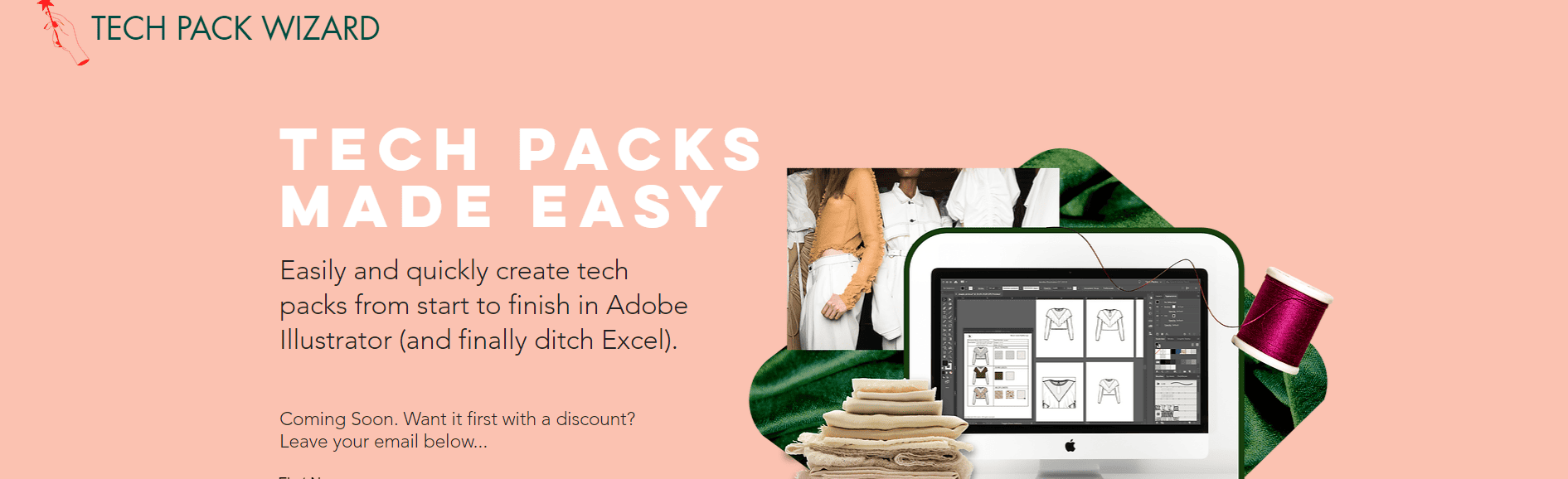
Tech Pack Wizard is built around automating the repetitive parts of tech pack production: page formatting, sketch updates, graded specs. It sits inside Illustrator and removes the manual paste-and-resize work that eats designer hours.
Features
- Adobe Illustrator integration
- Pre-designed templates
- Preloaded graphic styles
Pricing: custom quote
Best for: technical design teams that already work in Illustrator and want to cut tech pack production time without changing tooling.
How do you choose between these six options?
The pick is not about feature checklists. It is about where your product data breaks today.
If your design team is small and your bottleneck is just speed inside Illustrator, Tech Pack Wizard or Backbone removes friction without forcing process change. If your tech designers are spread across continents and version control is the actual problem, Tech Packer or Backbone solves it. If you are running enterprise complexity with multiple business units, Centric is the conventional answer.
If the breakage is downstream, meaning the tech pack is fine but the product data fragments the moment it leaves design and enters production, inventory, or order management, then a standalone tech pack tool does not fix the underlying problem. You need the tech pack to live in the same record as production POs, inventory counts, and wholesale orders. That is the case for Uphance, and it maps directly to Breakpoint 1 of the 6 Breakpoints framework.
What features actually matter in tech pack software in 2025?
Ignore the marketing pages and look for these specifically:
- Version control with a clear current version, so the factory cannot accidentally work from an old file
- Grade rules attached to the style record, not maintained in a parallel spreadsheet
- BOM that connects to costing, so a fabric price change updates landed cost without re-keying
- Real-time collaboration, so a tech designer in Istanbul and a production manager in New York are looking at the same document
- PDF export that the factory can actually read, including measurement charts and trim photos
- Integration with Adobe Illustrator, because the designers are not switching tools
- Audit trail, so you can answer the question “who changed this side seam spec and when”
If a tool cannot do version control and a single BOM, it is not tech pack software, it is a templated PDF generator.
Treat the tech pack as the upstream end of the product record
A tech pack is not a design deliverable, it is an operations document. It tells production what to buy, finance what it will cost, and the warehouse what is coming. When the tech pack lives in a silo, every downstream team rebuilds the same product data from scratch, which is exactly where Breakpoint 1 starts and Breakpoints 2 through 6 compound from.
For a $5M to $100M apparel brand running wholesale plus DTC plus a 3PL, the practical move is to stop treating tech pack software as a designer tool and start treating it as the upstream end of the product record. The questions to ask the next time your team evaluates options are: does the tech pack carry into production POs without re-entry, does the BOM update inventory item masters automatically, and does the costed BOM flow into wholesale margin reporting. If the answer to any of these is no, the tech pack is still living in a silo, and the operations team will keep absorbing that cost in every season.
The six tools above all build tech packs. Only some of them keep that product data clean as it moves into the rest of the business. That is the decision that matters.
Frequently asked questions
Where this fits in the Uphance platform
Shubham writes about evaluating ERP fit, assessing operational complexity, and how apparel brands can tell whether their current systems are helping or holding them back. As a Solutions Consultant at Uphance, he runs discovery conversations and fit assessments for apparel brands moving off patchwork stacks of PLM, PIM, inventory, and B2B tools. His articles cover ERP selection, vendor RFPs, comparison frameworks, and the operational signals that tell a brand it has outgrown spreadsheets and point solutions. He focuses on how mid-market apparel teams evaluate connected platforms against the cost of staying with what they have.
Ronnell writes about onboarding, adoption, and operational readiness for apparel brands moving to a connected platform. His articles focus on what it takes to go live with confidence and sustain strong execution across channels, warehouses, and teams. As Head of Customer Success and Onboarding at Uphance, he leads the implementation phases that turn a software signature into running operations. He writes about kickoff scoping, data migration, sandbox cutover, change management patterns, and the stakeholder alignment work that determines whether a connected platform actually changes how a brand runs, or just adds another login to the existing chaos.